

Subscribe To Newsletter
[contact-form-7 id="7f2da39" title="Footer Form"]
Our WordPress security setup service configures Wordfence properly on your site — not just installed, but tuned for your hosting, plugins and traffic. Most hacked WordPress sites we clean had a security plugin installed with default settings; a correct WordPress security setup closes the gaps attackers actually use.
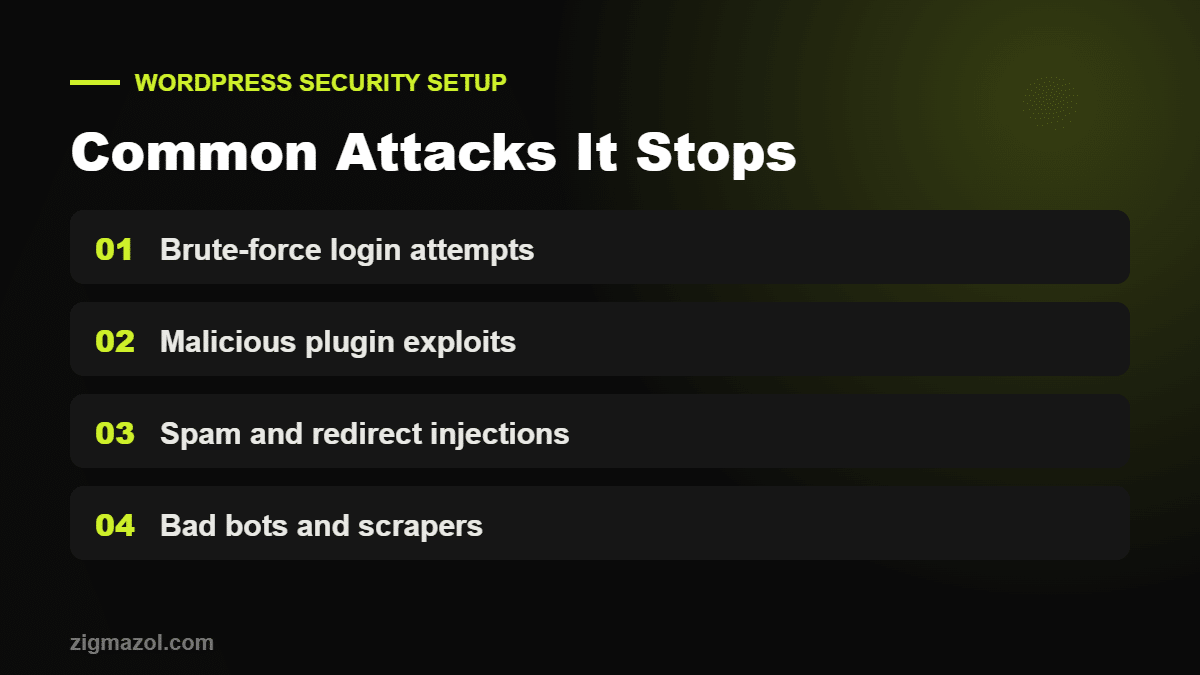
WordPress powers a large share of the web, which makes it a constant target. Most new vulnerabilities are found in plugins rather than WordPress core, according to Patchstack’s State of WordPress Security report. Careful configuration closes the most common entry points before attackers find them.
Wordfence is one of the most widely used security plugins, and its official documentation explains each feature we configure. Our job is to apply those settings correctly for your hosting environment, so protection works without slowing your site down.
This is a setup and configuration service. Wordfence is free to use; if you want Wordfence Premium features, you will need your own licence purchased from Wordfence. We do not supply licences.
If your site is already infected, choose our WordPress malware removal service. For ongoing protection, ask about our monthly maintenance plans.
A one-time setup gives your site a strong baseline. Security, however, is not a one-off task: plugins, themes and WordPress itself release updates every month, and some patch actively exploited vulnerabilities. If you would rather not track updates yourself, our monthly maintenance plans keep your site updated, backed up and monitored afterwards.
Google also checks sites for malware and warns visitors when it finds problems — see Google’s guidance on hacked sites. Preventing an infection is far cheaper than cleaning one up and recovering lost rankings.
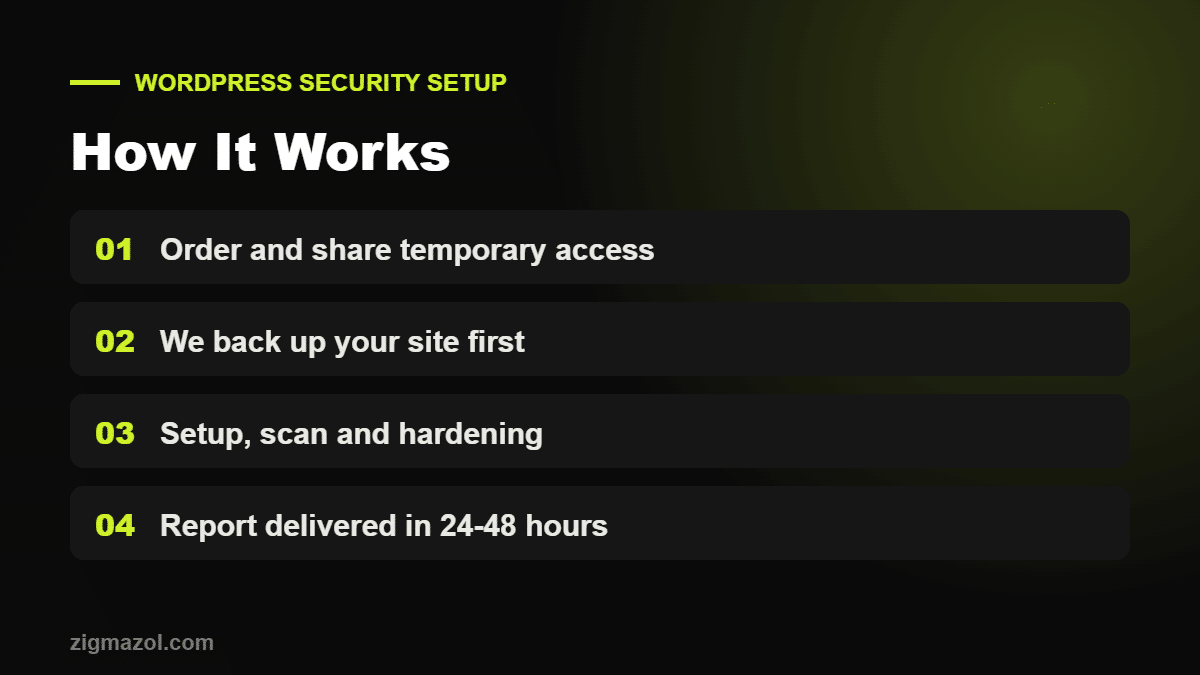
Once you place your order, we email you within one business day with a short checklist. You can create a temporary administrator account for us or share access through your hosting control panel — whichever you prefer. Before changing anything, we take a full backup of your files and database so the site can be restored instantly if needed.
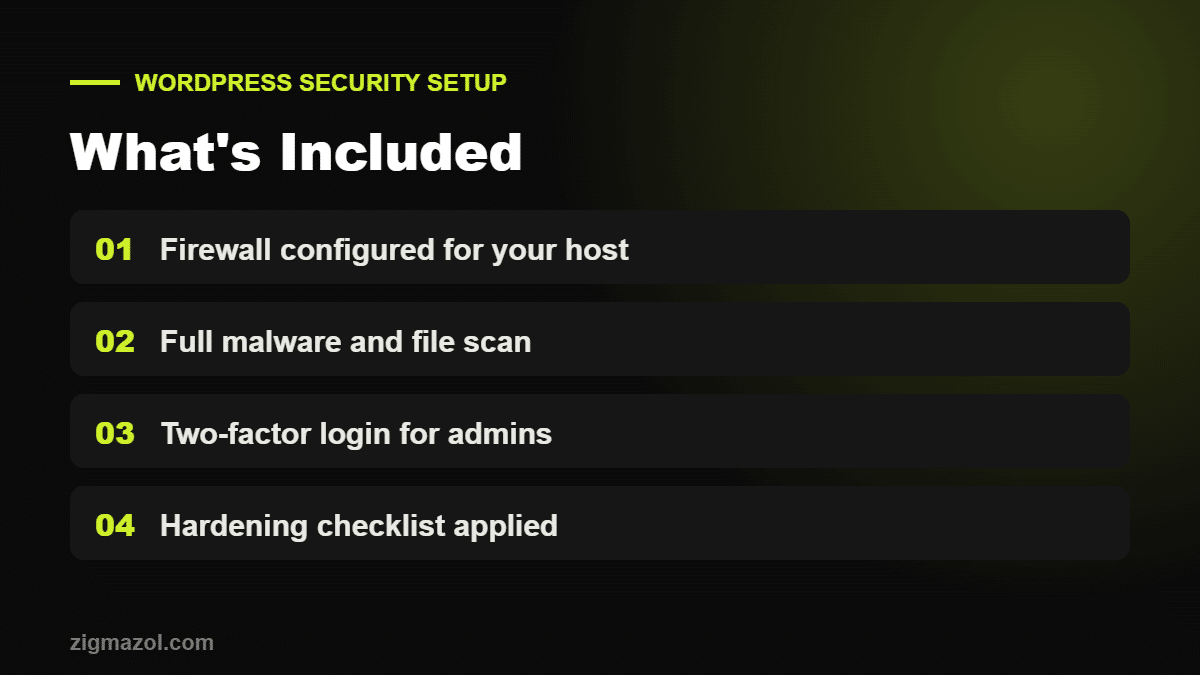
We then install or review Wordfence, configure the firewall for your server type, enable two-factor login for administrators, limit login attempts, disable risky features such as file editing from the dashboard, and remove inactive plugins and themes that could become a target. A full scan follows, and you receive a plain-English report of every change, any warnings found and recommended next steps. Throughout the following 12 months you can email us with security questions or alerts you are unsure about.
Most WordPress security setup jobs are completed within 24–48 hours of receiving access.
No. We configure Wordfence to balance protection and performance, and test your site speed after setup.
No. The free version covers most small business sites. Premium adds real-time firewall rules and country blocking if you need them.
We will tell you what we found and quote for a full cleanup before doing any extra work.
Yes. We tune the configuration so checkout, payment gateways and customer accounts keep working normally.
No. You can create a temporary administrator account for us and remove it once the work is finished.